01
A violinist playing on a dim stage, 50mm lens, a single spotlight from above, shallow depth of field
Photo-real · RealVis XL
Get images that look like photographs: real skin, real light and real lenses, from a portrait in a bakery to a product on a marble counter.
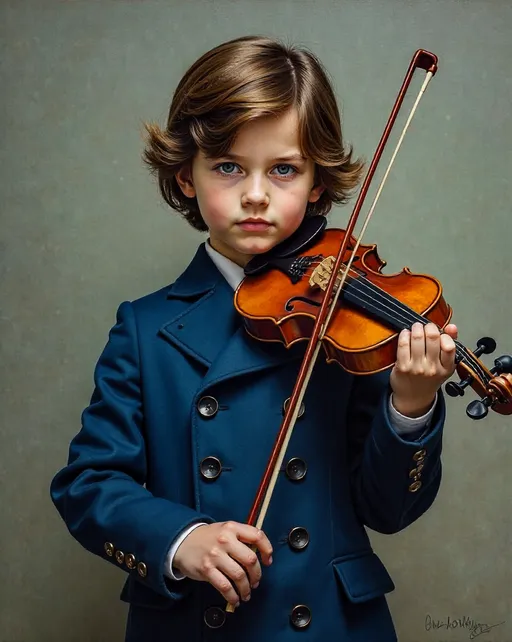
Realism comes from light and lenses. Say where the light comes from (“soft window light”, “golden hour backlight”) and how the photo was taken (“85mm portrait”, “35mm street photo”, “macro”). Those words pull the model toward the look of a real camera.
This page starts with RealVis XL, a model tuned for photographic results. HiDream O1 and Qwen Image are strong choices too, especially for busy scenes with many details.
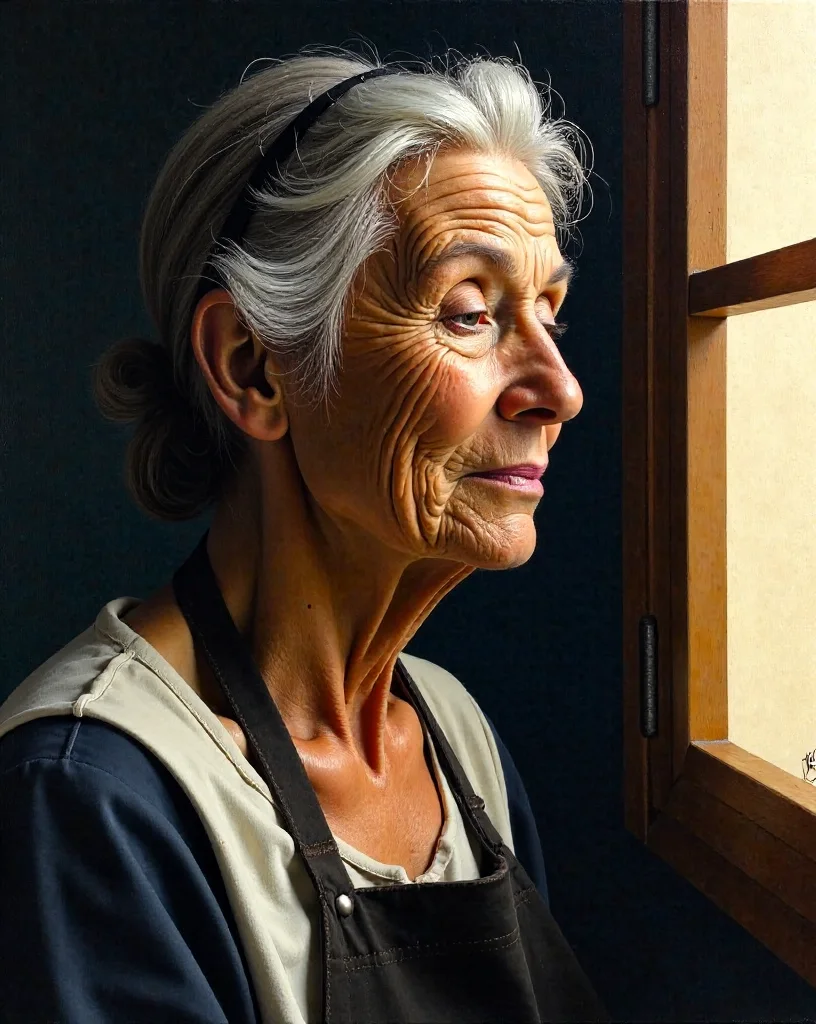
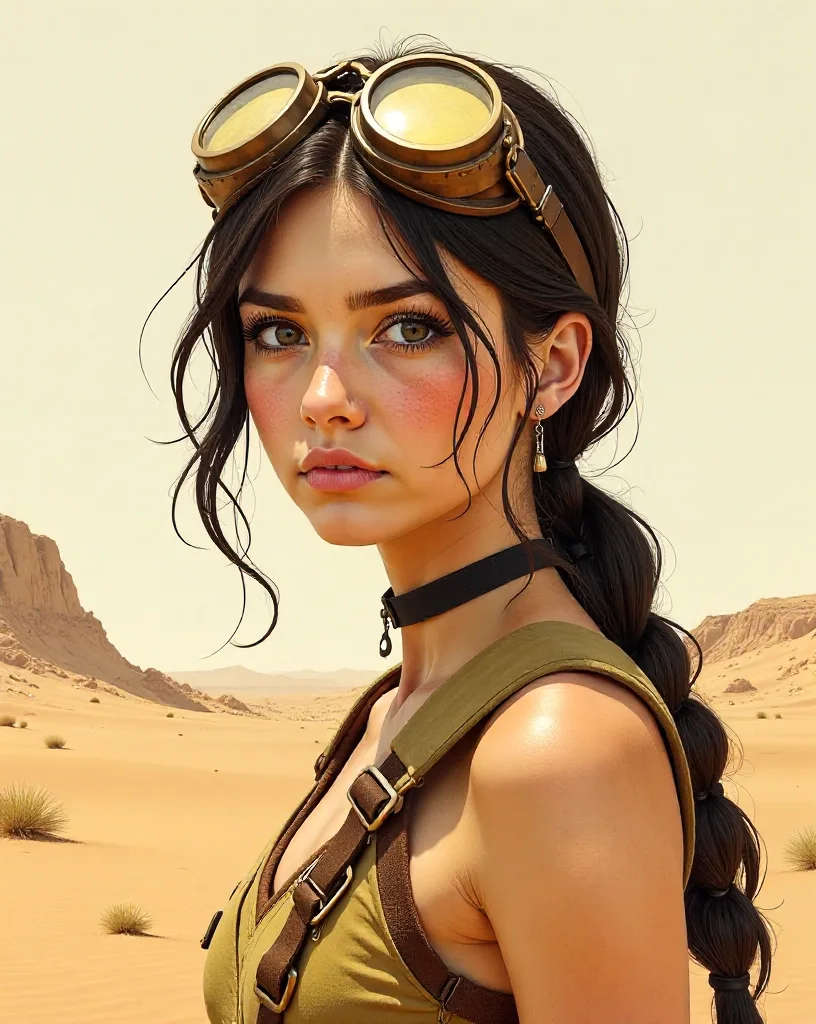
Mock up a product shot before the photo shoot, picture a room before you redecorate it, make a stand-in portrait for a story, or create a background for a design. Every image is new, so there’s no stock license to buy.
Don’t use it to imitate real people or create images meant to deceive. Prompts like those are refused, and a safety checker reviews every image.
Subject, place, light and lens: “a violinist on a dim stage, 50mm, spotlight from above”.
It’s chosen for you here. Try HiDream for crowded scenes.
Ask for a closer crop, different light or another angle.
01
A violinist playing on a dim stage, 50mm lens, a single spotlight from above, shallow depth of field
02
A ceramic coffee cup on a marble counter, morning window light, product photo, 100mm macro
03
An old fisherman mending a net on a pier, overcast light, 35mm documentary photo
More ways to make images
10 open models · 12 styles
RealVis XL is tuned for photo realism and is the default here. HiDream O1 and Qwen Image also do well with detailed, realistic prompts.
Ask for a closer framing, name the light and lens, and avoid extreme expressions. Small faces in wide shots have few pixels and come out less accurate.
No. Don’t create images of real, identifiable people without their consent, or images meant to deceive.
Yes, in personal and commercial work, with no watermark.