01
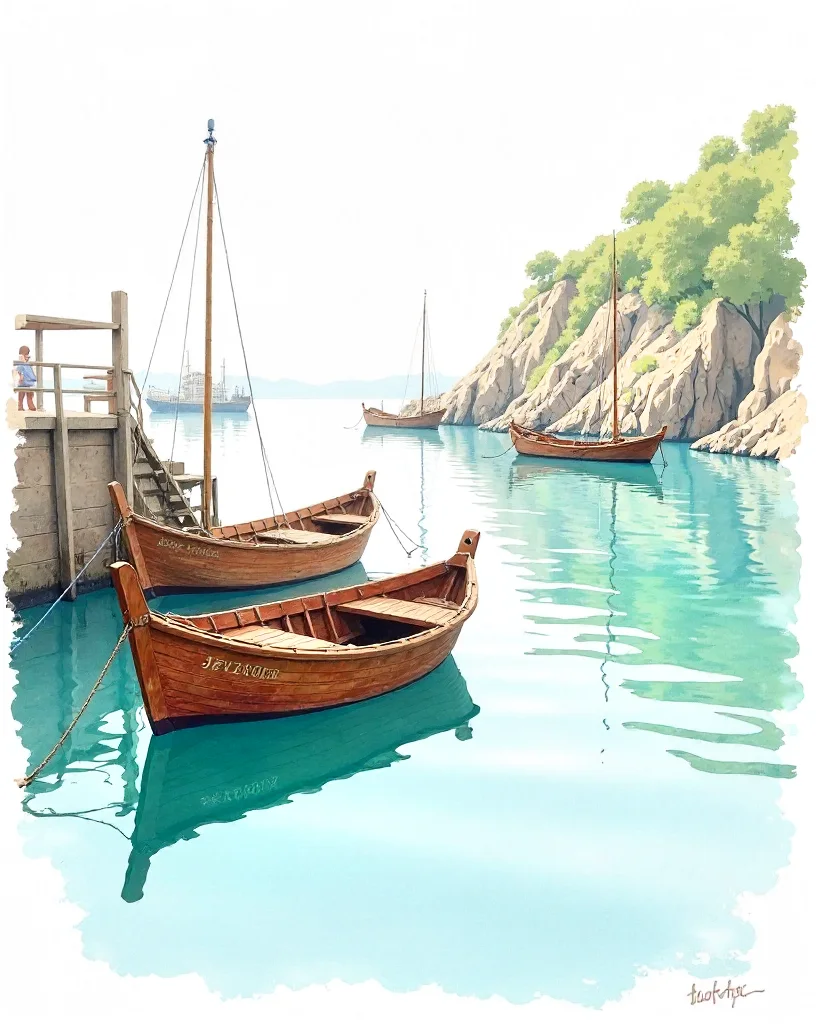
A harbour town at sunrise with fishing boats, loose watercolor on rough paper
Pictures from words
Type what you want to see, like a birthday card, a phone wallpaper or a picture of your dream garden, and get a finished picture back in seconds.
Most people don’t need art school words to get a good picture. Describe it the way you would to a friend: who or what is in it, where it is, and what time of day. The AI picture generator does the rest, and you can ask for changes in plain English.
People use it for greeting cards, school projects, phone wallpapers, blog headers, social posts and pictures for a story they are writing. Each picture downloads at full size with no watermark.
Add a style to change the whole look at once: watercolor for something soft, poster for bold shapes, pixel art for a retro game feel, portrait for a lifelike face. Or name a medium yourself, like “pencil sketch” or “oil painting”.
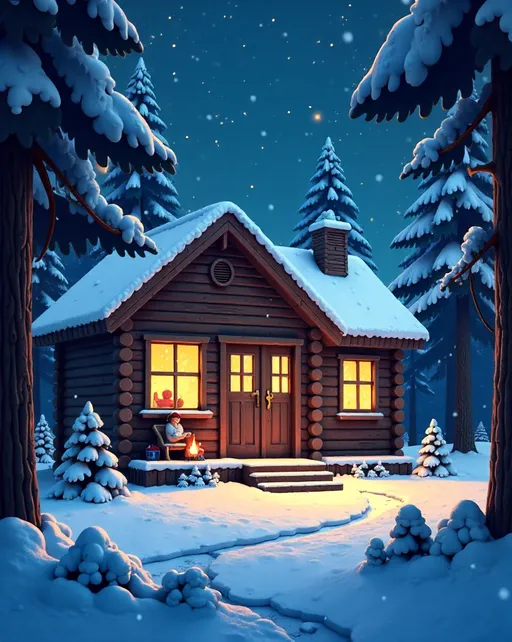
If a picture is nearly right, don’t start again. Say “make it winter” or “add a dog by the door” and the picture is edited in place.
One sentence about the subject, the place and the light.
Pick watercolor, poster, anime, pixel art or eight more, or leave it to your words.
Download the full-size picture, or ask for a change and keep going.
01
A harbour town at sunrise with fishing boats, loose watercolor on rough paper
02
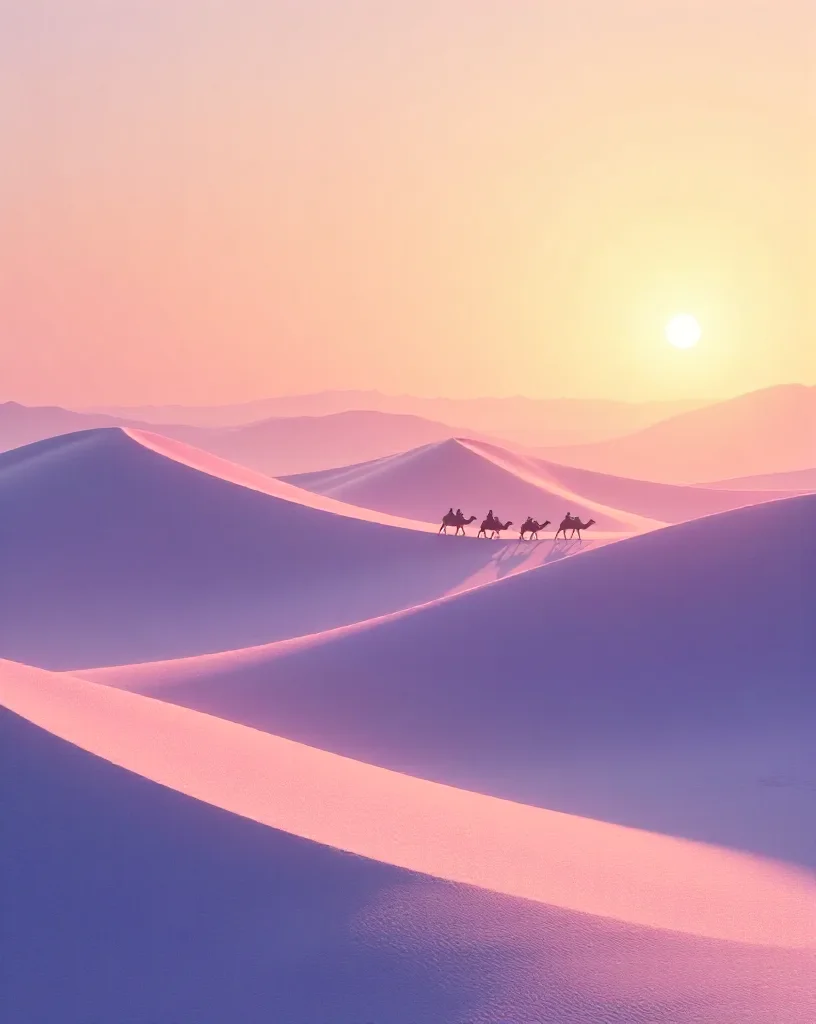
Sand dunes at sunrise with long shadows, phone wallpaper, warm gold and lilac
03
A birthday card picture of a corgi wearing a paper crown, bright cartoon style
More ways to make images
10 open models · 12 styles
Sign in, type a sentence describing the picture, and press Generate. Your picture is ready in seconds and saved to your account.
Yes. Pictures download at 816 by 1024 pixels with no watermark, good for cards, small prints and screens.
Yes. Type what to change, like “make it night” or “add snow”, and the AI edits the same picture.
Yes, with a free account. There is an allowance that refreshes every 24 hours.