01
A tiny island floating above the clouds with a single cherry tree, morning light, anime film still
Text to image · 10 open models
Describe any picture in one sentence and get it back in seconds: photos, paintings, posters, characters and wallpapers, made by the open models behind the best AI images.
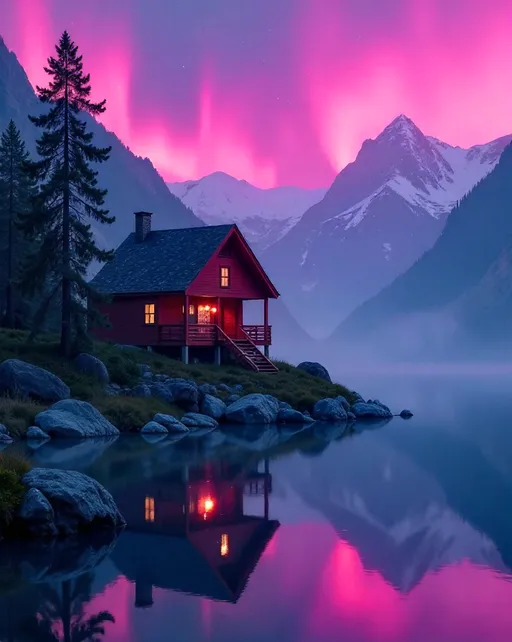
An AI image generator turns words into a new picture. You write a prompt, such as “a lighthouse keeper on an iron stair at dusk”, and a diffusion model paints an original image that matches it. Nothing is copied from a stock library: every image is made for you, at the moment you ask.
This one runs ten open image models, including Flux, HiDream and Qwen. You pick the model, add a style if you want one, and download the result at full size with no watermark. Sign in once with Google or your email and your images are saved to your account.
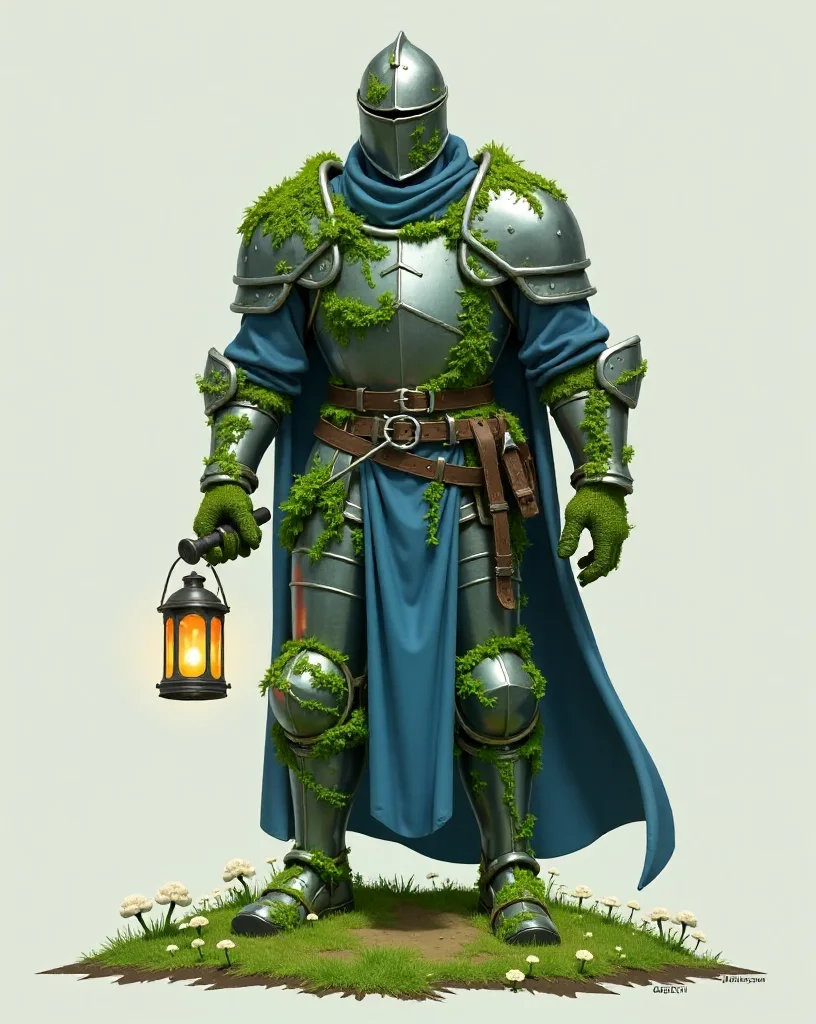
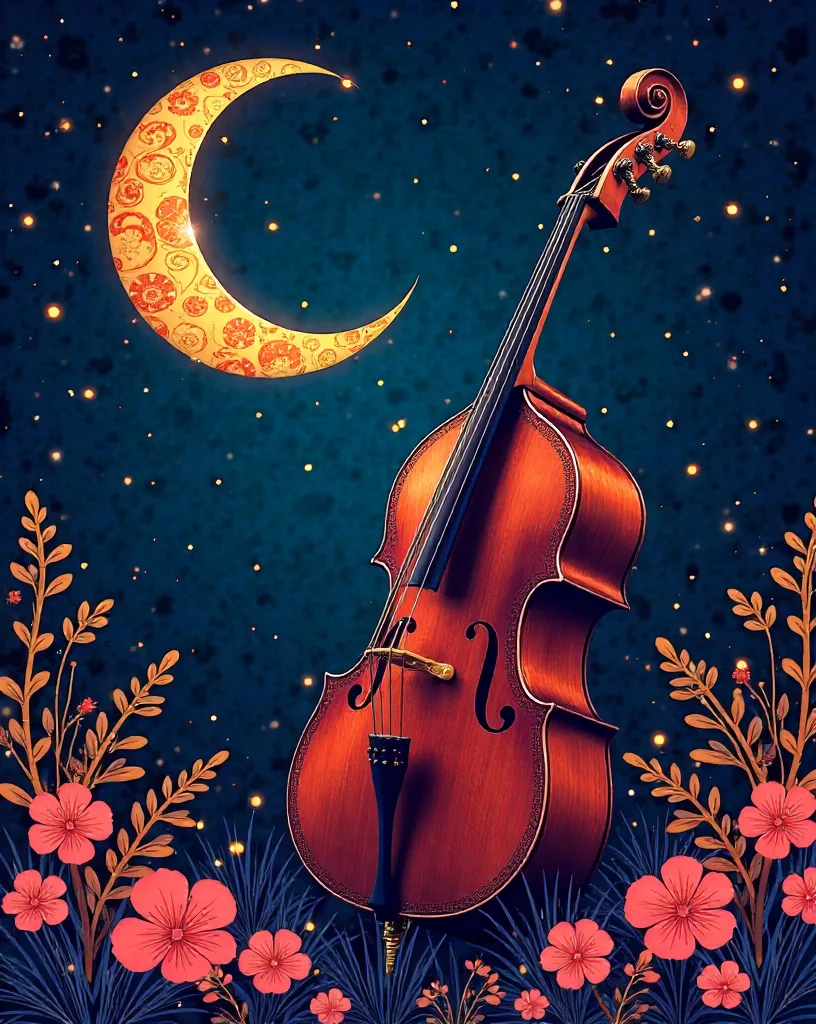
Models have personalities. HiDream O1 is quick with rich color, Flux Dev is a dependable all-rounder, Qwen Image follows long, detailed prompts, and RealVis XL is the one to use when you want something that looks like a photograph.
If a result is close but not right, keep the image on the canvas and say what to change. The editor carries the picture into the next prompt, so you refine instead of starting over.
Name the subject, the place, the light and the medium. One clear sentence beats a list of keywords.
Leave the defaults or pick a model and one of 12 styles, from anime to oil painting.
Save the full-size image, or type what to change and the AI edits the same picture.
01
A tiny island floating above the clouds with a single cherry tree, morning light, anime film still
02
A jazz festival poster with a saxophone player in silhouette, bold flat shapes, orange and navy
03
A knight in moss-covered armor resting in a forest clearing, oil painting, soft volumetric light
More ways to make images
10 open models · 12 styles
Yes. Making images costs nothing and needs no card. Sign in with Google or your email; each free account has an allowance that refreshes every 24 hours.
No. Every image downloads at full size with no watermark, and you can use it in personal and commercial work.
It depends on the picture. Use RealVis XL for photo realism, Qwen Image for long, precise prompts, Flux for painterly detail and HiDream for fast, colorful results.
Yes. Attach a picture in the prompt bar and say what to change. Flux Kontext keeps faces and layout while it restyles or edits the image.