01
Pixel art of a cosy wooden cabin in a snowy pine forest at night, warm yellow windows, smoke from the chimney, 32-bit retro game style, limited palette, crisp pixels
10 open models · Pixel art style
Describe a scene and get it back as crisp pixel art in a 16-bit or 32-bit game style, with a limited palette.
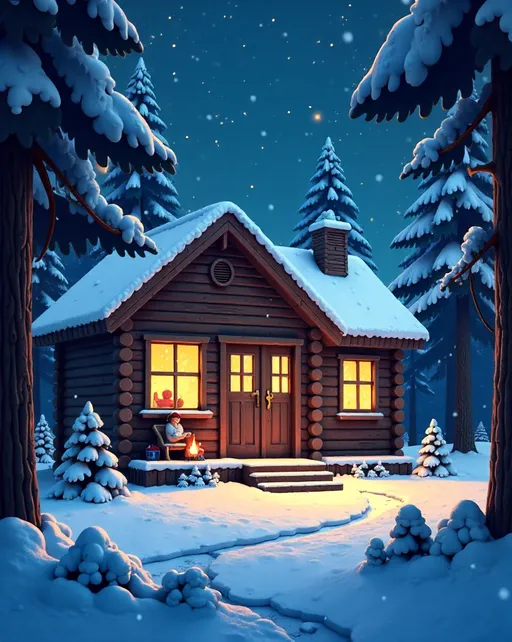
The pixel art style draws in hard square pixels and short palettes, the look of 16-bit and 32-bit games: towns, dungeons, forests and cosy rooms.
Name the era you want. 8-bit is blocky and bold, 16-bit is the classic RPG look, 32-bit adds light and detail. Night scenes with lit windows suit it well.
Use the images as game backgrounds, stream overlays, prints or references for your own sprites. For a clean game asset, scale it down to its true pixel grid.
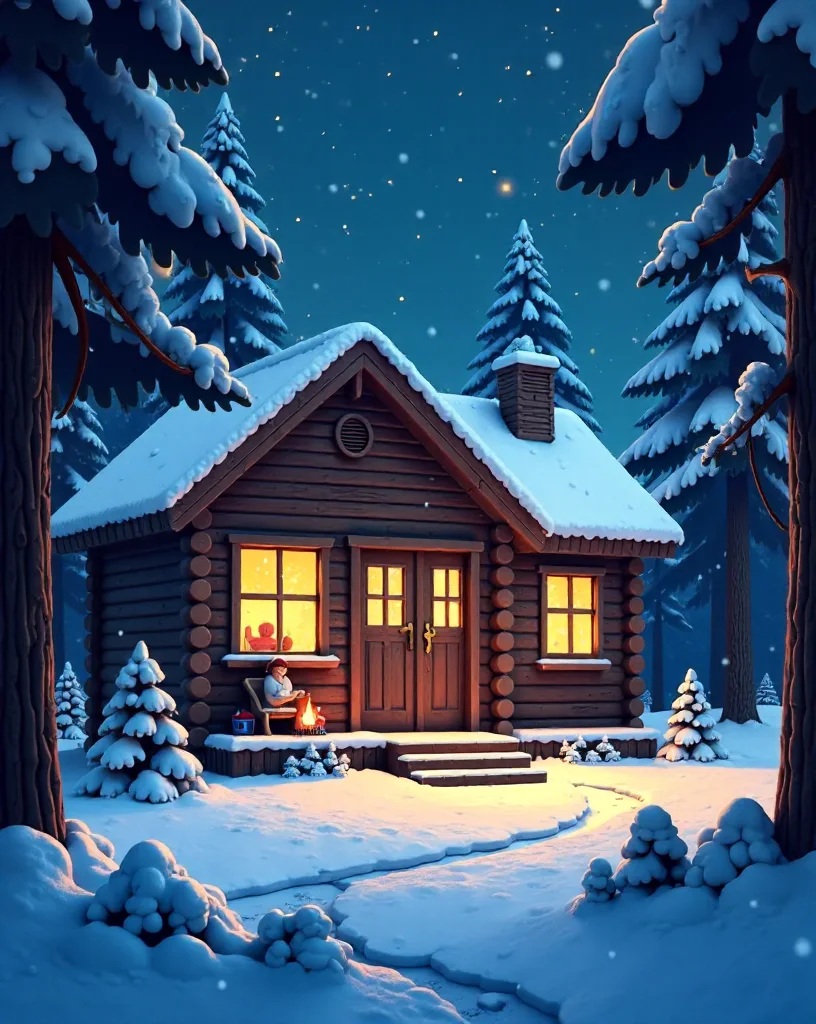
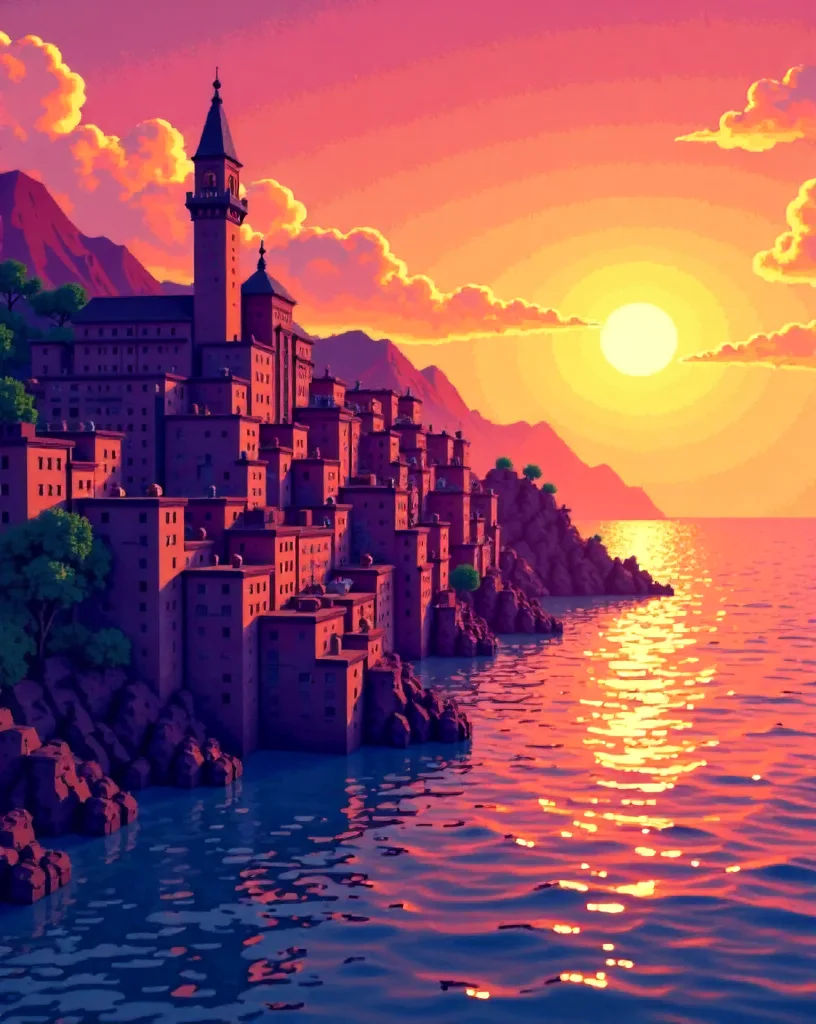
8-bit, 16-bit or 32-bit sets the size of every pixel.
Lamps and windows at night show off a short palette.
Ask for a side view or top-down view to match your game.
01
Pixel art of a cosy wooden cabin in a snowy pine forest at night, warm yellow windows, smoke from the chimney, 32-bit retro game style, limited palette, crisp pixels
02
Pixel art of a seaside harbour town at sunset, little boats, stacked colorful houses, seagulls, 16-bit RPG style, orange and purple sky, crisp pixels, detailed tiles
03
A tiny underground library lit by candles, a sleeping cat on a stack of books, 16-bit pixel art, warm palette
Other styles
It makes scenes and character art well. For sprite sheets with exact frames, use it as a reference and clean up in Aseprite.
The model paints pixel art rather than placing true pixels. Scale the image down with nearest-neighbour to snap it to a grid.
Yes, images you make are yours to use in your projects.