01
Change the time to a stormy night with lightning over the sea, keep the same woman and the lighthouse
Edit with words · Flux Kontext
Upload a photo and say what to change, like “make it winter”, “turn it into a watercolor” or “put her in a café”, and the AI edits it while keeping faces and layout.
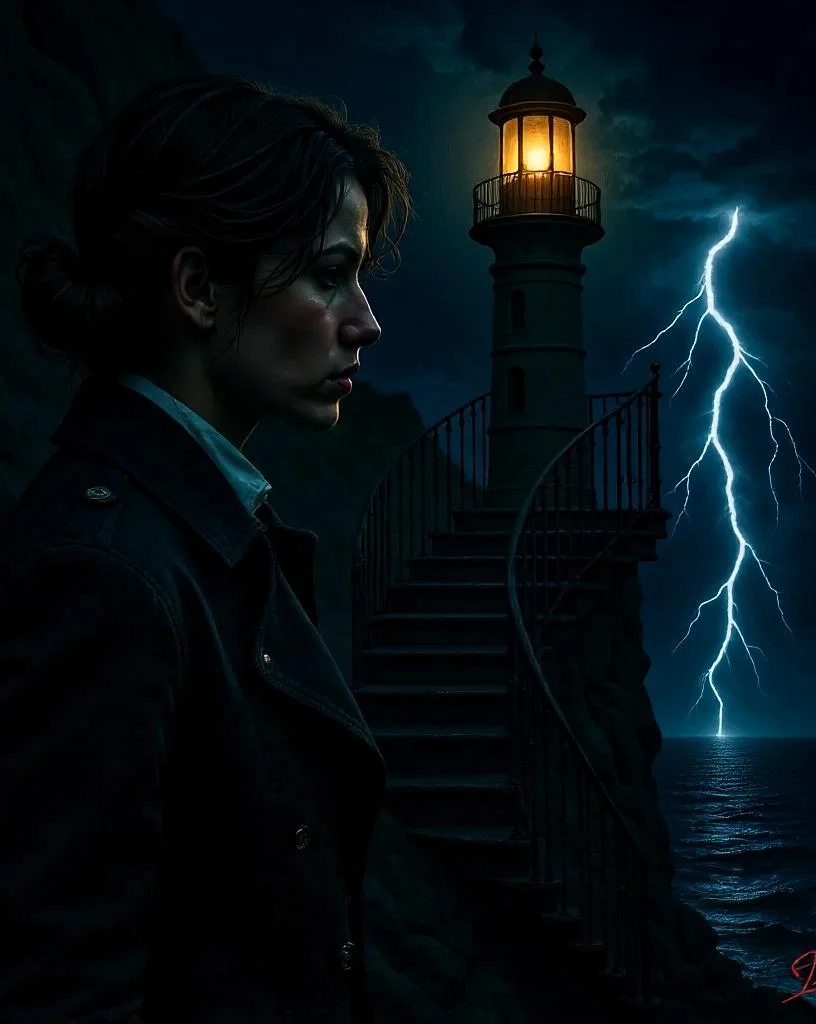
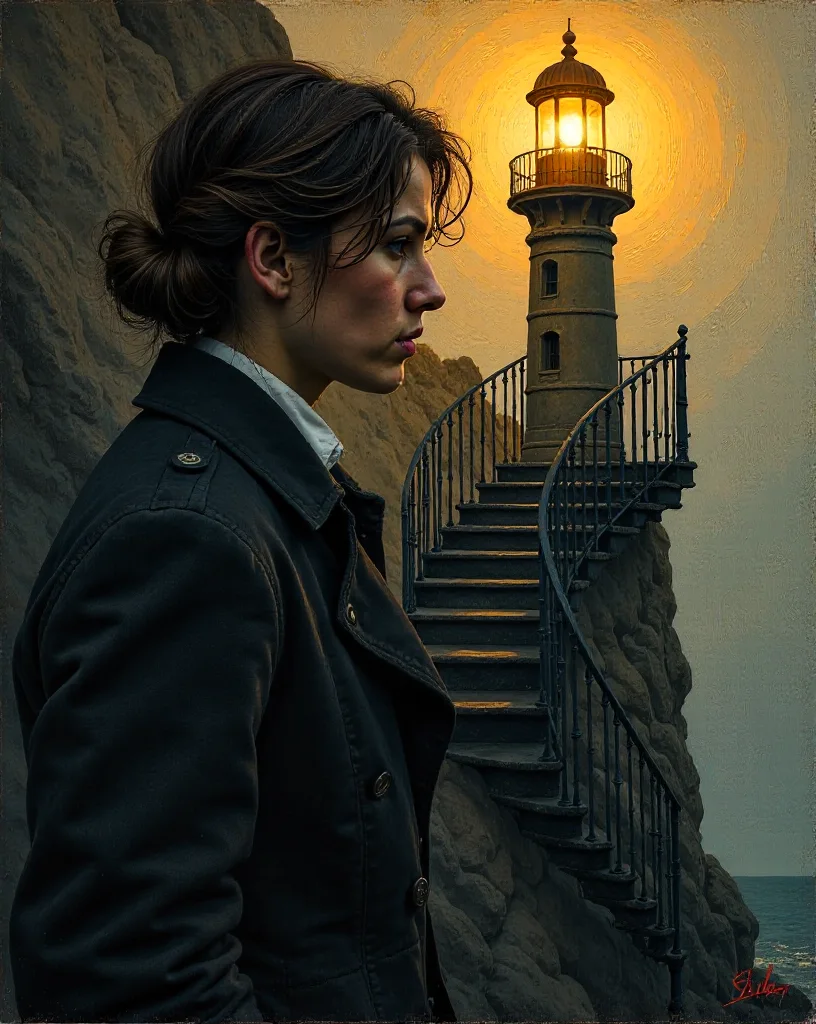
“Change the time to a stormy night with lightning over the sea, keep the same woman and the lighthouse”
Traditional photo editors make you learn layers, masks and brushes. An AI photo editor works from a sentence. Attach a picture, type what should be different, and the model redraws only what you asked for.
It runs Flux Kontext and Qwen Image Edit, two open models built for editing. Kontext is best at keeping a person’s face, pose and the layout of a scene while it changes the light, season, background or style. Qwen Image Edit follows precise instructions, like changing one object’s color.

Time and weather: turn day into night, summer into winter, a clear sky into a storm. Style: turn a photo into an oil painting, a charcoal drawing, an anime still or a poster. Scene: swap the background, add an object or remove one.
Choose how much should change. A little keeps nearly everything for touch-ups, balanced keeps the subject and layout, and a lot uses your photo as a loose guide for a full restyle.
JPG, PNG or WebP up to 10 MB. Drag it in, paste it or pick it from your device.
“Make it a rainy night, keep the same woman.” Then choose a little, balanced or a lot.
Save the edited photo, or keep editing the result with another sentence.
01
Change the time to a stormy night with lightning over the sea, keep the same woman and the lighthouse
02
Make this a charcoal and white chalk drawing, the same woman in the same pose
03
Change the season to a sunny summer afternoon, keep the same cabin and trees
More ways to make images
10 open models · 12 styles
Yes, with a free account. Each edit uses one image from your free allowance, which refreshes every 24 hours.
Flux Kontext is built to keep faces, poses and layout. For the closest match, choose “A little” or “Balanced” and say “keep the same person” in your prompt.
They are stored in your account so you can edit them again, at an unlisted link only you are given. Don’t upload pictures of people without their consent.
You can replace it: describe the new background, such as “put her in a sunlit café”. For a transparent cut-out, a dedicated background remover works better.