01
Turn this sketch into a finished watercolor, keep the composition and the colors light
Image to image · 3 editing models
Start from a picture instead of a blank page. Attach any image, describe the new version, and choose how closely the AI should follow the original.
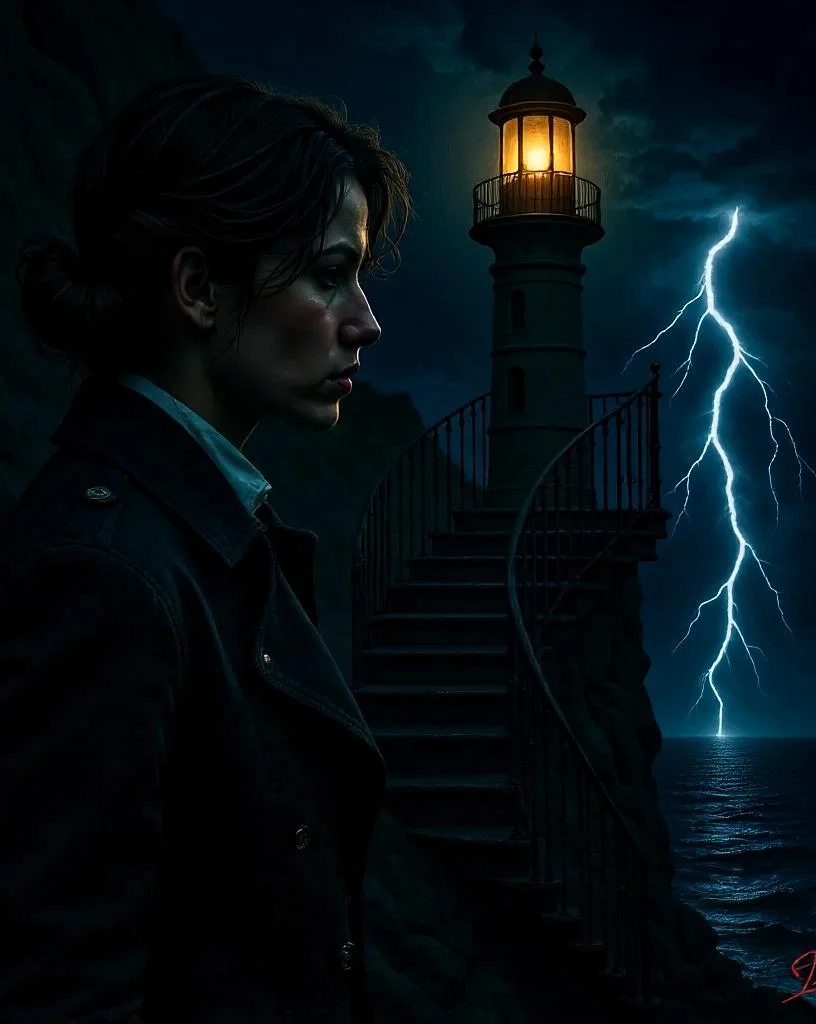
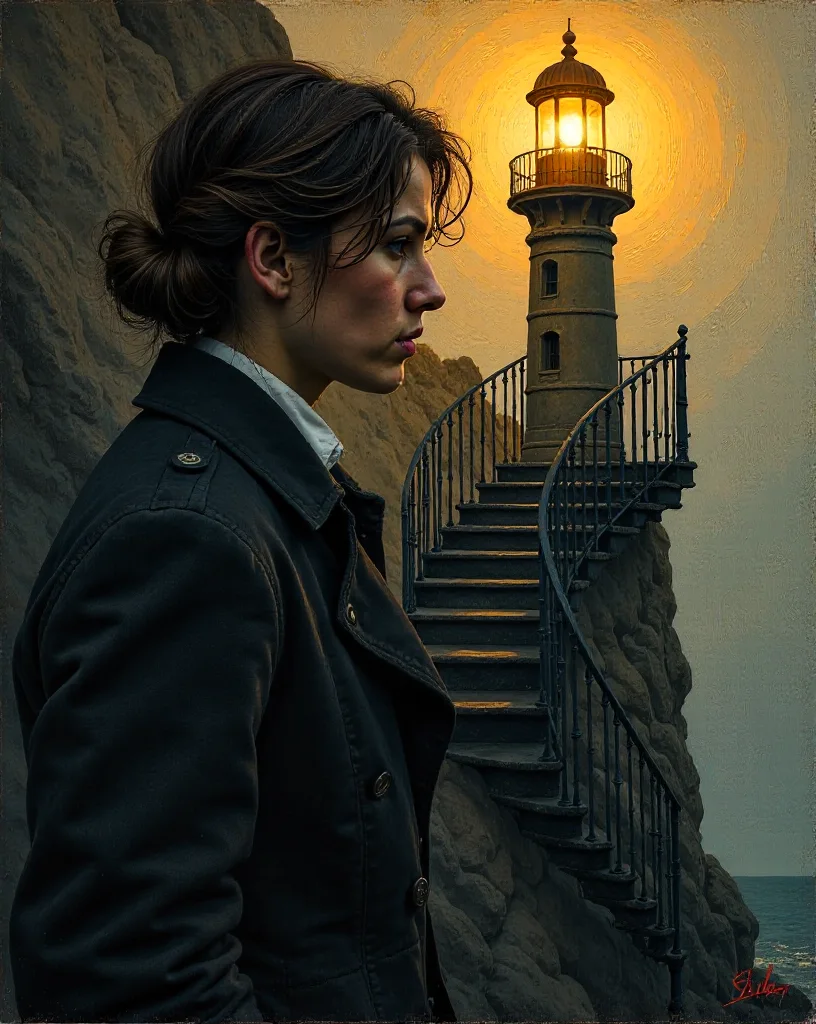
“Change the time to a stormy night with lightning over the sea, keep the same woman and the lighthouse”
Text to image starts from random noise. Image to image starts from your picture: the model adds noise to it, then removes the noise again while following your prompt. The amount of noise is the strength. Low strength keeps almost everything, high strength keeps only the overall shapes.
That makes it the right tool for restyling a sketch, turning a photo into a painting, trying new colors on a design or making a series of images that share one composition.
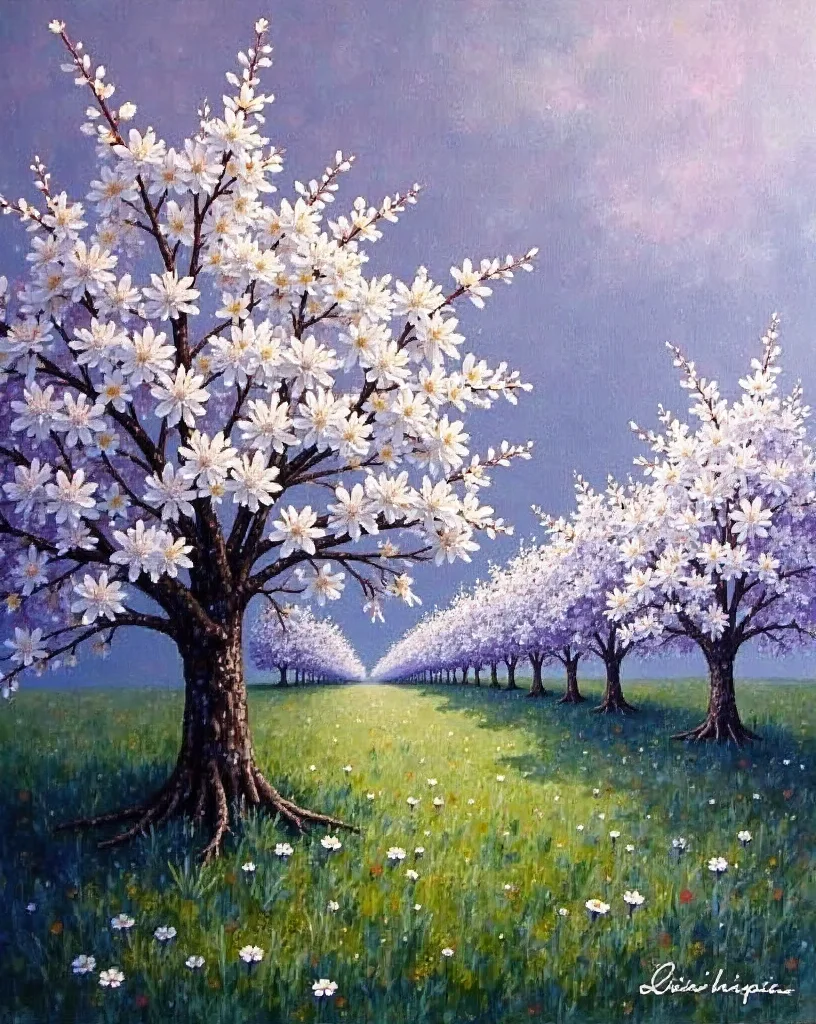
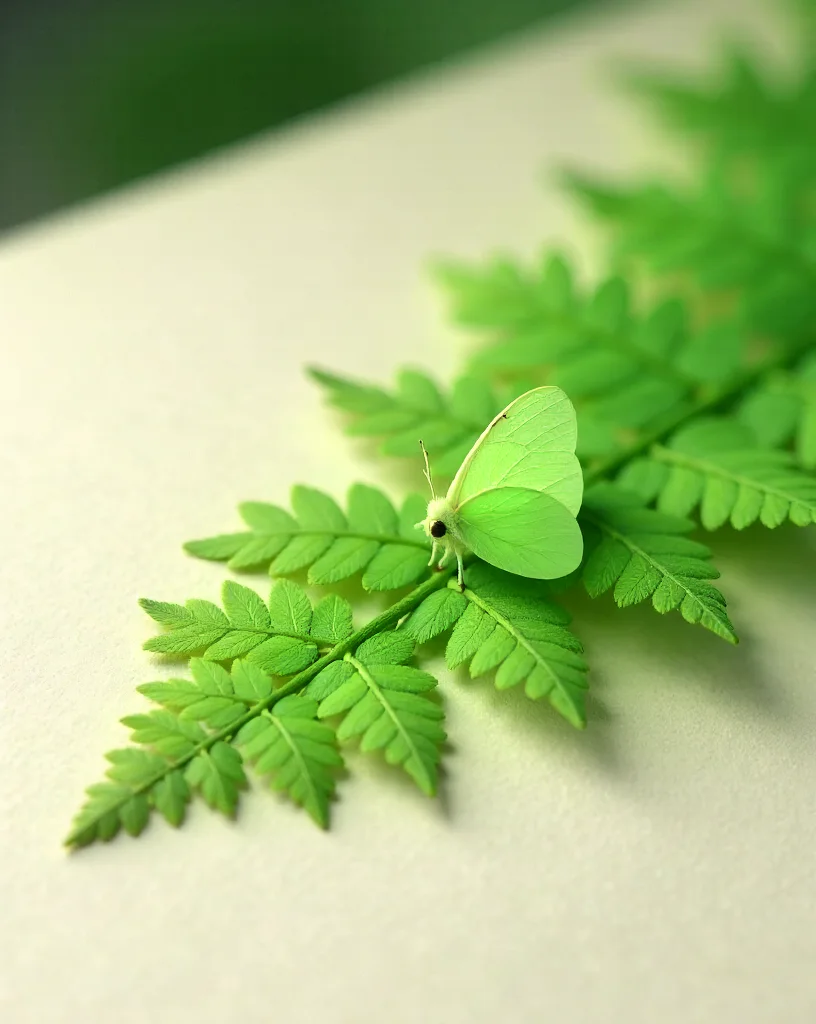
Flux Kontext Dev keeps faces and layout while it changes what you ask for, and is the default. Qwen Image Edit follows exact instructions well. Flux Klein can also rework a picture with its painterly detail.
Pick “A little” for small fixes, “Balanced” to keep the subject and layout, or “A lot” to use your picture as a loose guide.
A photo, a sketch or one of your earlier AI images.
Say the style, colors or changes you want, and what to keep.
A little, balanced or a lot, then Transform.
01
Turn this sketch into a finished watercolor, keep the composition and the colors light
02
Make this an oil painting with thick brush strokes, keep the same scene
03
Recolor the whole image in teal and orange, keep everything else the same
More ways to make images
10 open models · 12 styles
It creates a new image from an existing one and a prompt. The original guides the composition while the prompt changes the style or content.
How far the AI may move from your picture. Low strength keeps details, high strength keeps only the rough shapes and layout.
Yes. Sketches work well: attach a photo or scan and describe the finished piece you want.
Yes, with a free account and an allowance that refreshes every 24 hours.